
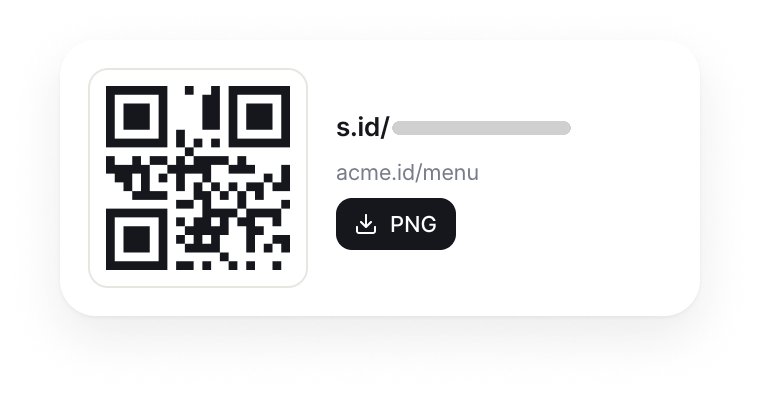
A code for your s.id link
Create or pick a short link, then download its code as a high-resolution PNG for print, slides, and displays.
QR code
Packaging, signs, menus, and event materials can all point to one s.id link. Download a high-resolution PNG and spot QR visits in Link Analytics.

s.id generates a QR image for an s.id URL. Scanning it opens the same short link, microsite, form, or other URL-based destination that the link already represents.
The QR image is not a separate Wi-Fi credential, contact card, or payment rail. Its advantage is a consistent s.id link workflow: distribute one compact code, recognize QR-originated visits, and use plan-eligible link editing when a destination needs to change.
A practical QR workflow built around the links and analytics your team already manages in s.id.
Create or pick a short link, then download its code as a high-resolution PNG for print, slides, and displays.
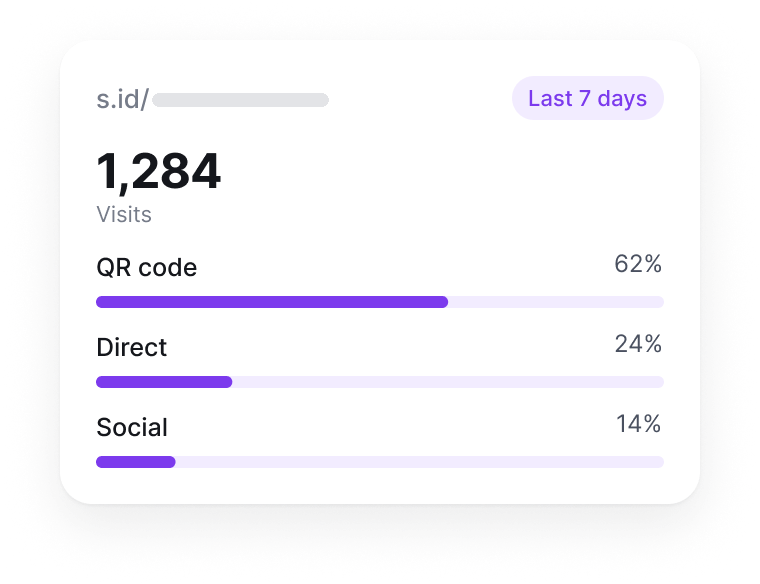
s.id tags visits that arrive through its QR workflow, so you can review them next to the rest of your link analytics.
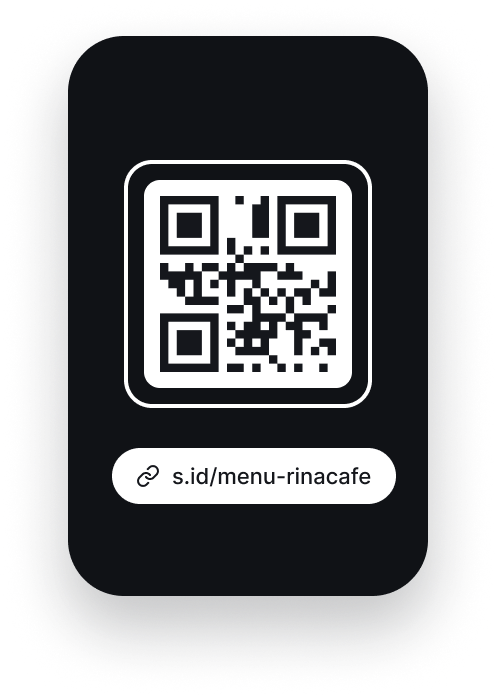
People can open a URL-based code with a compatible smartphone camera. No s.id scanner to install.

Save reusable templates with one foreground color and an uploaded logo, or hide the default s.id mark.
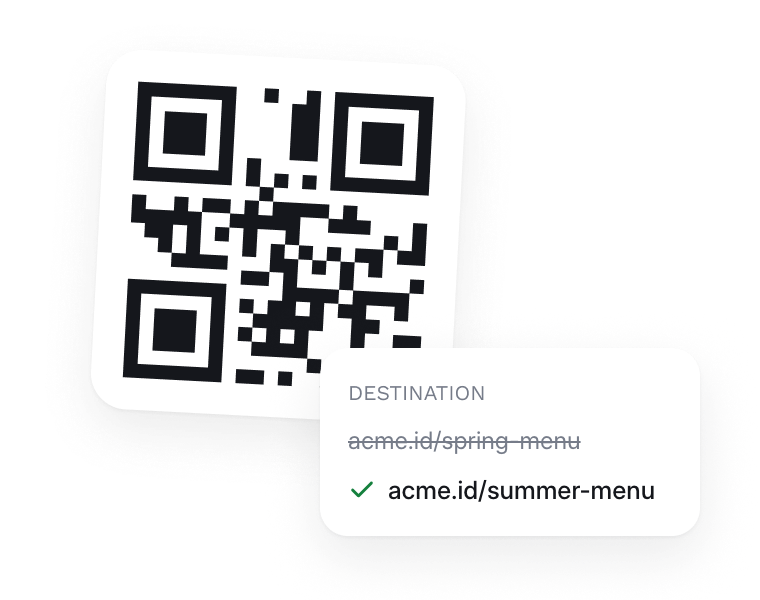
When your plan includes destination editing, change the URL behind the link within its monthly allowance.
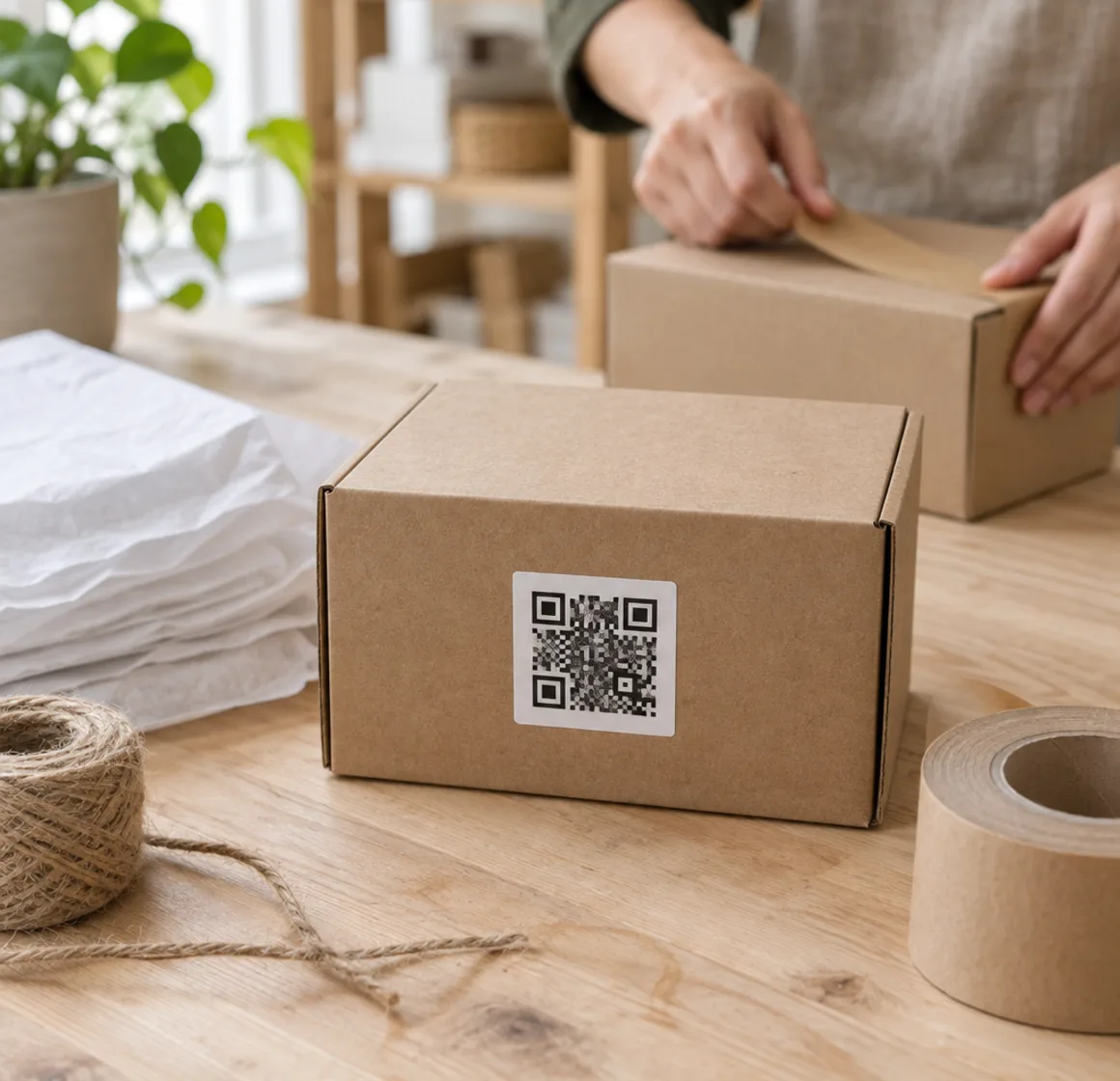
01 / 04 · Product packaging
Send customers to setup guides, warranty forms, product details, or support content without crowding the package.
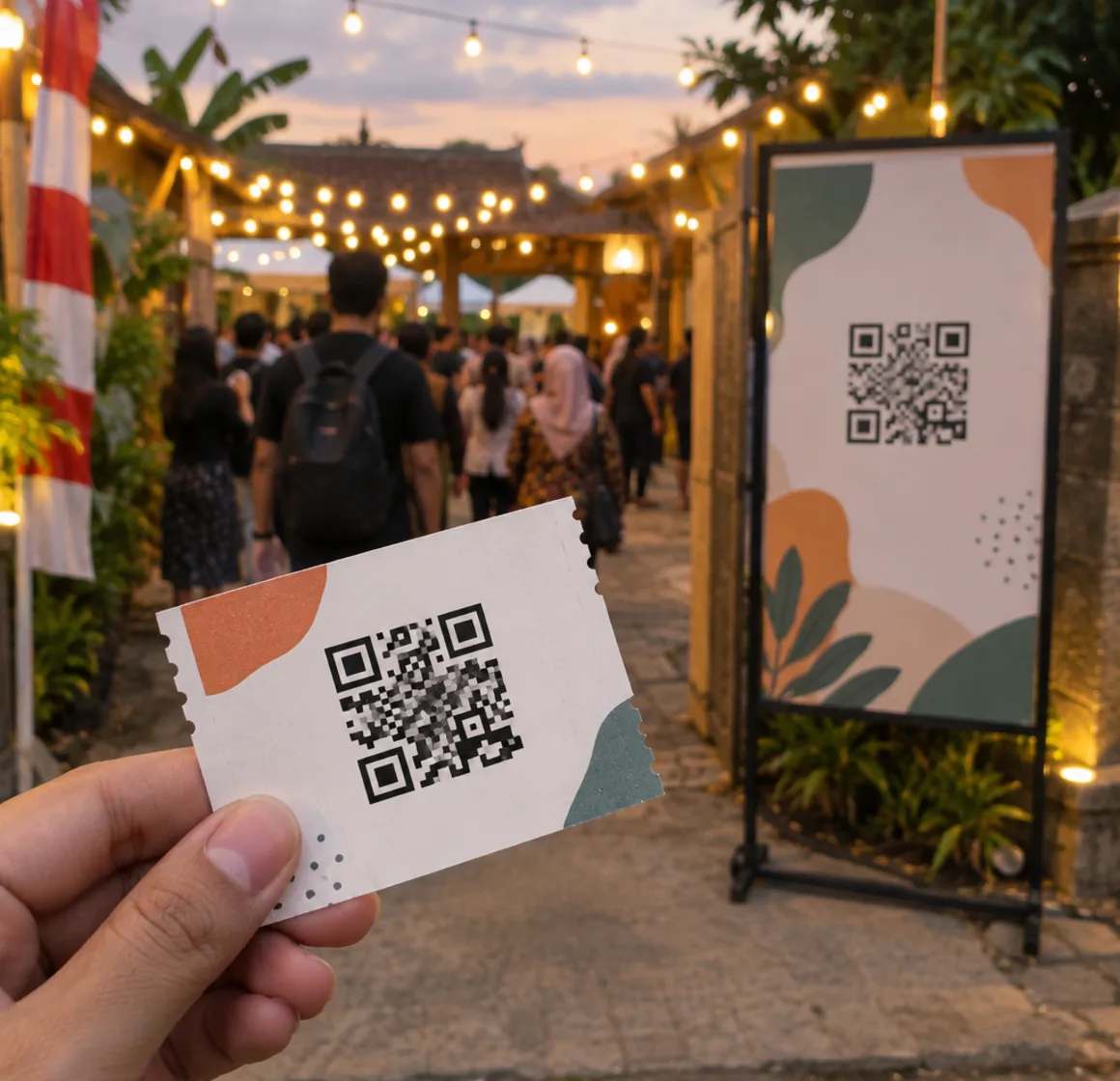
02 / 04 · Events and field marketing
Connect booth graphics, badges, handouts, and presentation slides to schedules, lead forms, or follow-up resources.
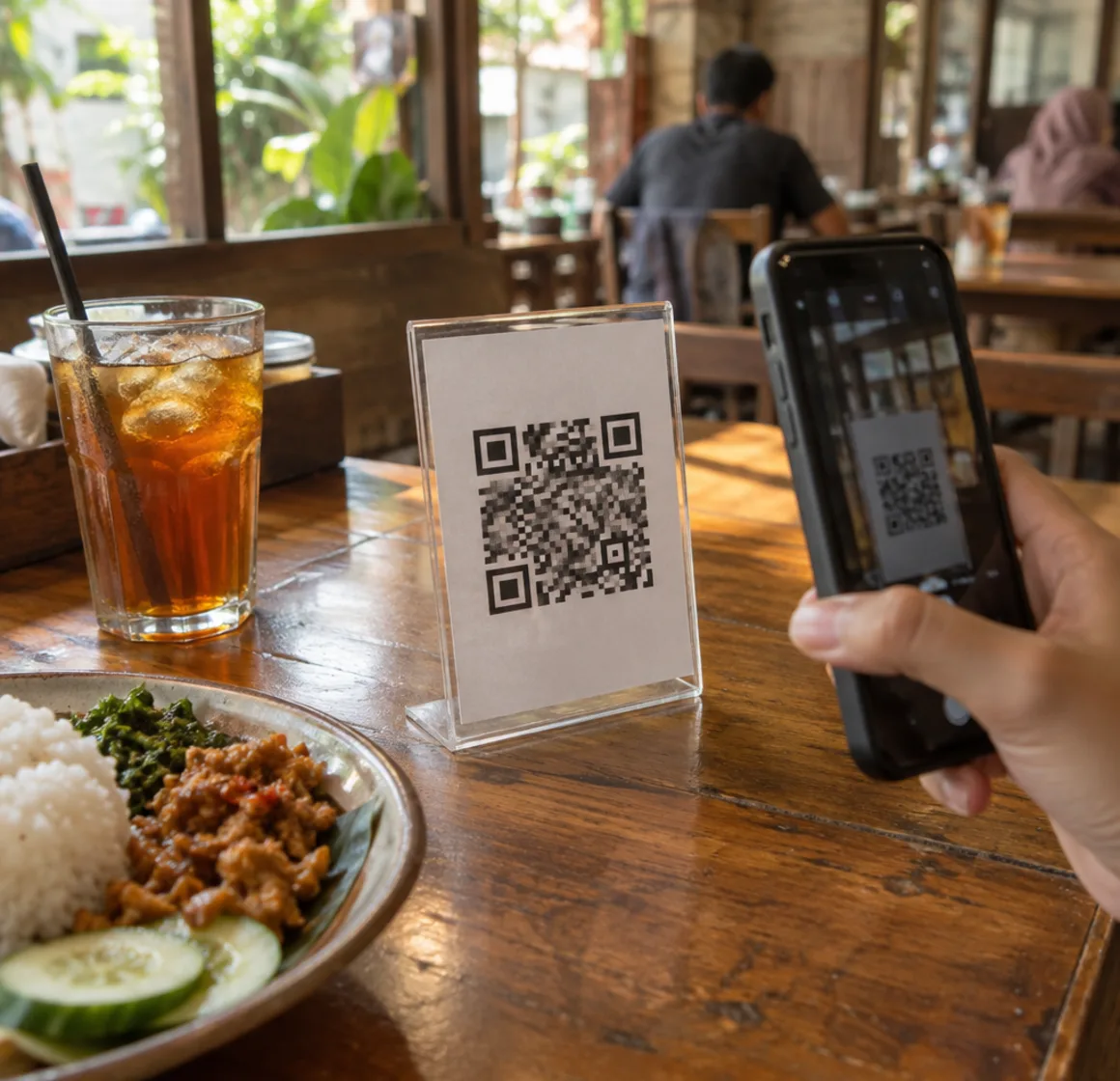
03 / 04 · Restaurant and hospitality
Point guests to a mobile-friendly menu, booking page, guest information page, or feedback form hosted at a URL you control.
04 / 04 · Business cards and collateral
Give prospects a direct route to your portfolio, contact page, product demo, or a focused s.id microsite.

A scannable code is only part of the experience. Give visitors context, access, and a reliable fallback.
Use a specific instruction, and state the benefit before asking for a scan.
Keep clear contrast between the code and its background.
A readable fallback, so scanning is never the only route.
s.id/
Preserve clear space around all four sides of the code.
Match the size of the code to the expected viewing distance.
Scan the printed material on several phones, not only the source image.
Build the destination first, generate its QR code, then test the complete visitor journey before distribution.
Create a short link or choose the existing s.id link that should receive visitors from the QR code.
Use the QR action attached to the link. Eligible paid plans can apply a saved color and logo template.
Download the PNG and scan the final layout on several phones before it goes to print or production.
Place the QR beside a clear instruction and fallback short URL, then review QR-originated activity in Link Analytics.
A standard QR code is available with your s.id link. Reusable logo and color templates, including removal of the default s.id mark, are available on eligible paid plans.
Prices are shown in USD. If your payment method uses another currency, your provider may apply its own conversion rate and fees.
Still stuck? Talk to the team at helpdesk@s.id.
PNG download. Paid customization available.
Scan to open s.id on your phone.