
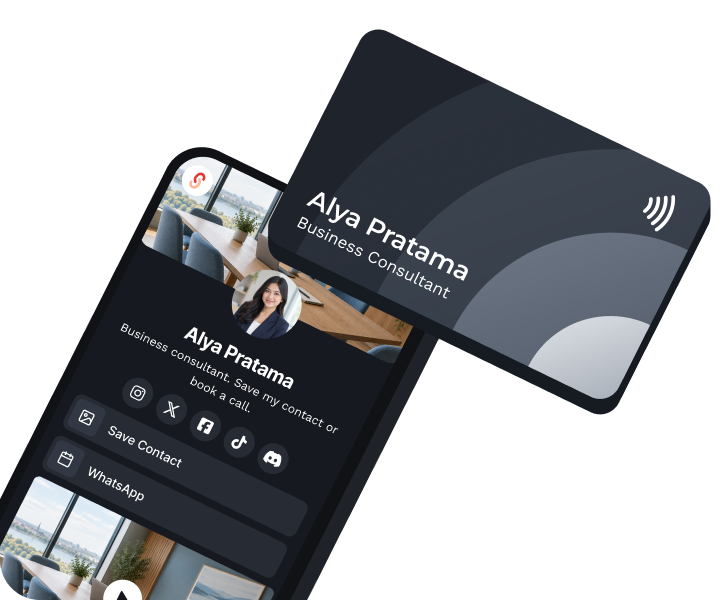
Tap an NFC card
Write your eCard link to an NFC card. Hold a phone to it and the page opens. NFC cards come from a third-party provider.
Digital business card
Make every introduction easier to act on. Share one polished page by QR code or link, so people can review your details, save a contact file, and reach the right next step without reprinting.

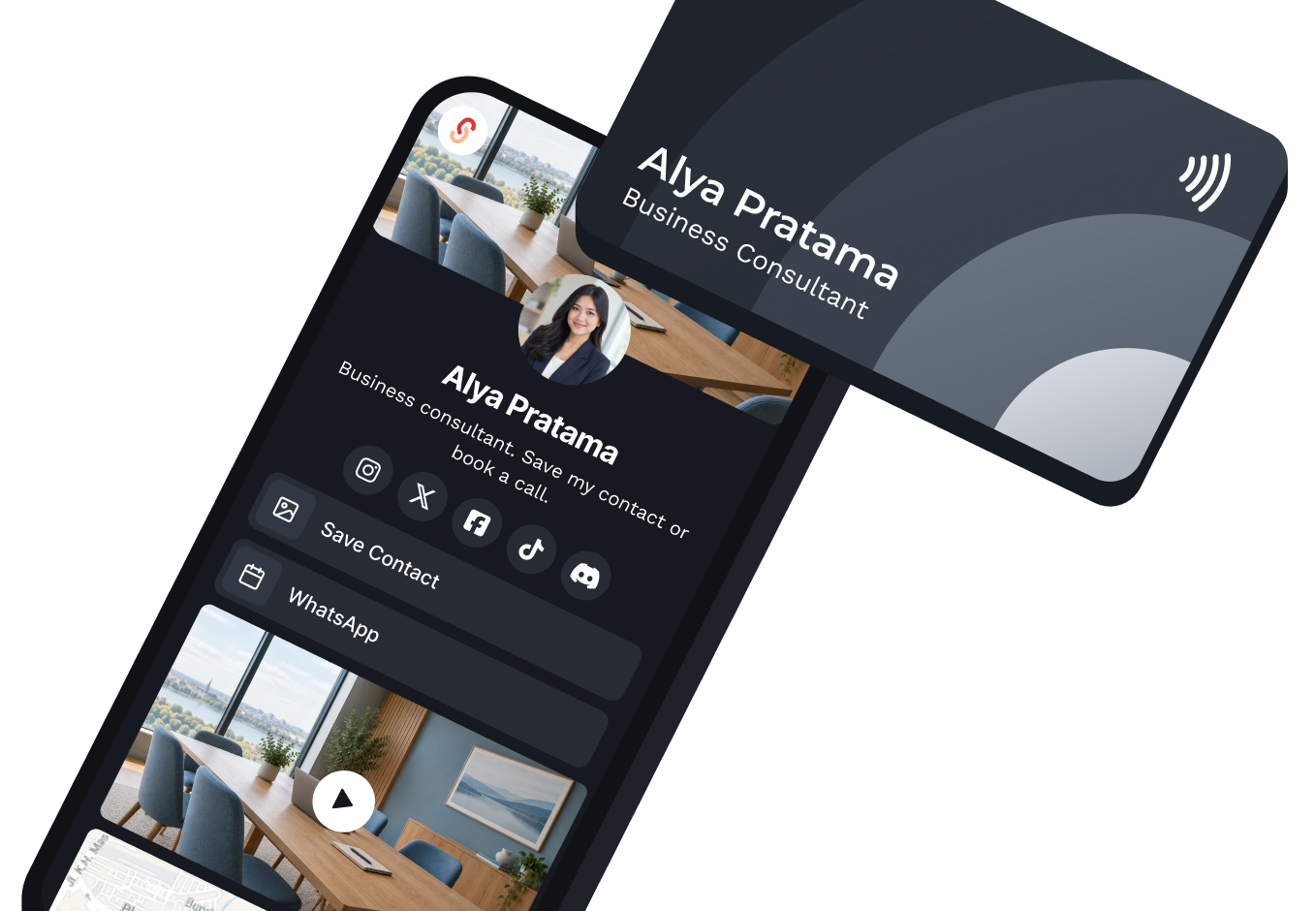
A digital business card is a modern, paperless version of a traditional business card. With s.id, it's a specialized Microsite that acts as your professional networking hub. Share your identity, important links, and contact information instantly via a single link or QR code.
Every s.id eCard includes a dedicated Contact Component. When you share your eCard via QR code or link, visitors simply tap the 'Save Contact' button. This downloads a .vcf file, saving your details directly into their phone's address book, no manual typing required.
Share a digital card without requiring NFC hardware
An s.id digital business card can be opened through its link or QR code on a modern phone. Third-party NFC accessories are optional and remain subject to their provider's compatibility and pricing.
Tap, scan, or open the link. They all lead to the same page, so one update reaches everyone.
Write your eCard link to an NFC card. Hold a phone to it and the page opens. NFC cards come from a third-party provider.
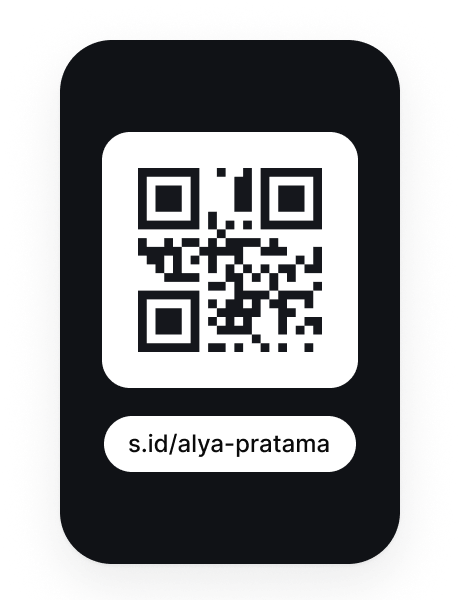
Show the code on your phone or print it. Any phone camera can open it.
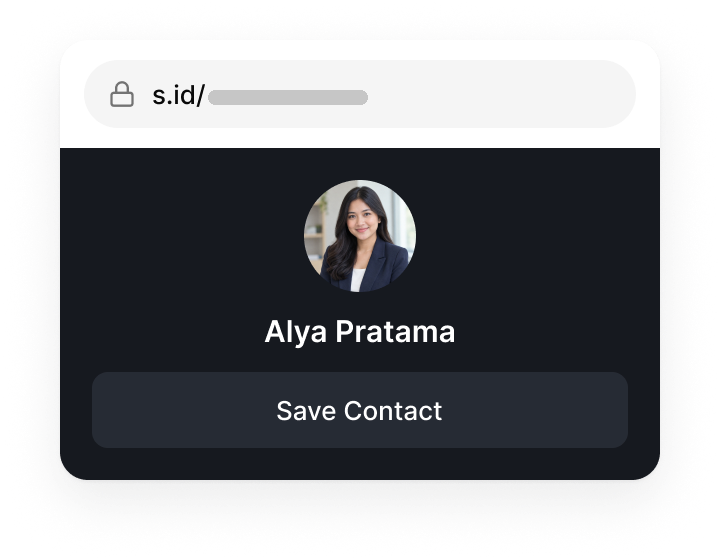
Send s.id/[yourname] on WhatsApp, email, or social media, or type it in a browser.
Create one professional page for your contact details, work, and next step, then share it by link or QR code.
Alya Pratama
Business Consultant
Not at all. s.id eCards are standard web pages. When someone taps 'Save Contact', their phone (iOS or Android) natively processes the .vcf file and opens it directly in their Contacts app.
Opens your eCard
Edit the page from your dashboard and the same link and QR code show the new information.
1.284
Visits · Last 7 days
Use aggregate visits and the analytics available on your plan to compare activity over time. Reporting depth and retention vary by plan; s.id does not identify individual visitors.
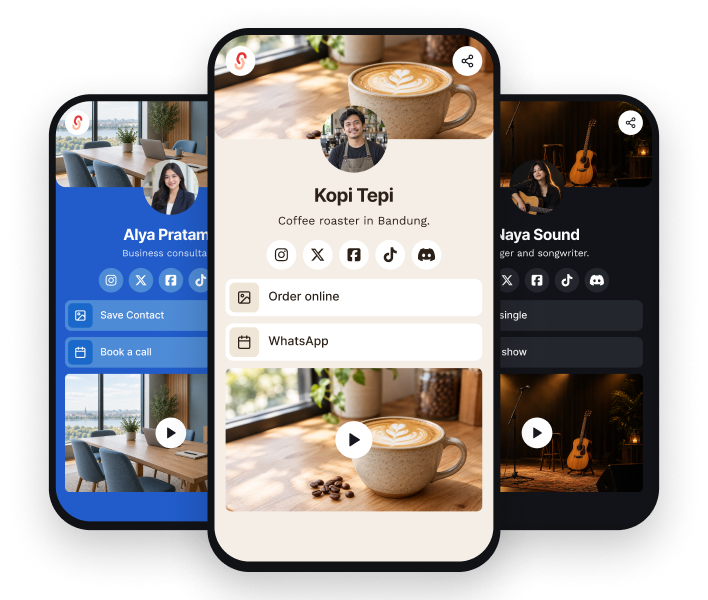
Stand out with professional, on-brand digital cards designed to impress. Add logos, colors, and layouts that match your brand, no designer needed.
s.id/
Sales
s.id/
Portfolio
s.id/
Consulting
You can create separate cards for different roles within the Microsite quota of your plan. Review the Subscription page before planning a larger set of cards.
01 / 04 · Sales
Share by QR code or link, see view counts, and update your details without reprinting.

Dimas Santoso
Account Executive
02 / 04 · Freelancers
Keep your portfolio, contact details, and social media on one link for clients.
Nadia Azzahra
Freelance Designer
03 / 04 · Small business
Give customers one link to your products, WhatsApp, and online store.
Kopi Tepi
Coffee roaster
04 / 04 · Real estate agents
Share your details at a viewing and keep your current listings one tap away.
Reza Hakim
Property Agent
A focused starting point in the Microsite builder.
Sign up for s.id, create a Microsite, then choose a template or start with a blank page.
Add your profile, important links, and the Contact component so your details can be downloaded as a VCF file.
Send the link or show the QR code. Recipients can open your profile and choose Save Contact.
Your eCard quota follows the Microsite quota on your plan.
Prices are shown in USD. If your payment method uses another currency, your provider may apply its own conversion rate and fees.
Still stuck? Talk to the team at helpdesk@s.id.
Free plan available. Quotas and features depend on your plan.