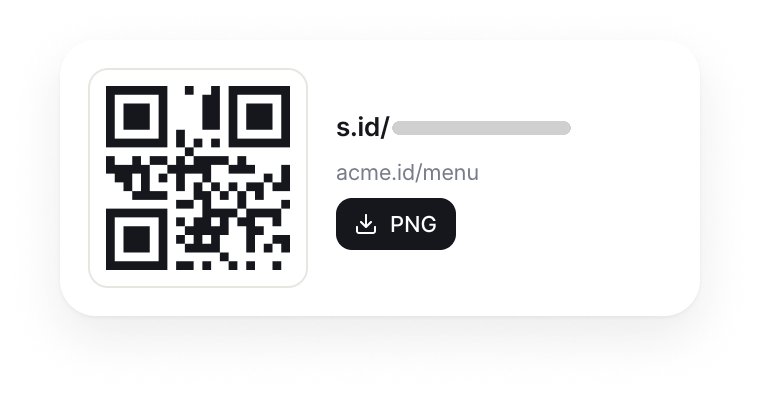
Make one from any link
Paste a URL for a web page, menu, form, catalogue, WhatsApp, or social media profile. The QR Code can be made and downloaded right away.

QR Code generator
Make a QR Code for menus, posters, packaging, and name cards from one link. Colour, logo, and analytics follow your plan.

A QR Code is a two-dimensional code that a phone camera can read to open digital information. On the public s.id generator, you only paste a URL and download the result as a PNG.
An s.id QR Code sends scanners through an s.id link to the destination page. Changing the destination, adding colour or a logo, and viewing detailed analytics follow the features of your plan.
A dynamic QR Code uses an intermediate link, so the destination can be updated without replacing the printed image. On s.id, changing the destination URL is available depending on your plan.
Make QR Codes for digital and print material, then use the management features that fit your needs.
Paste a URL for a web page, menu, form, catalogue, WhatsApp, or social media profile. The QR Code can be made and downloaded right away.
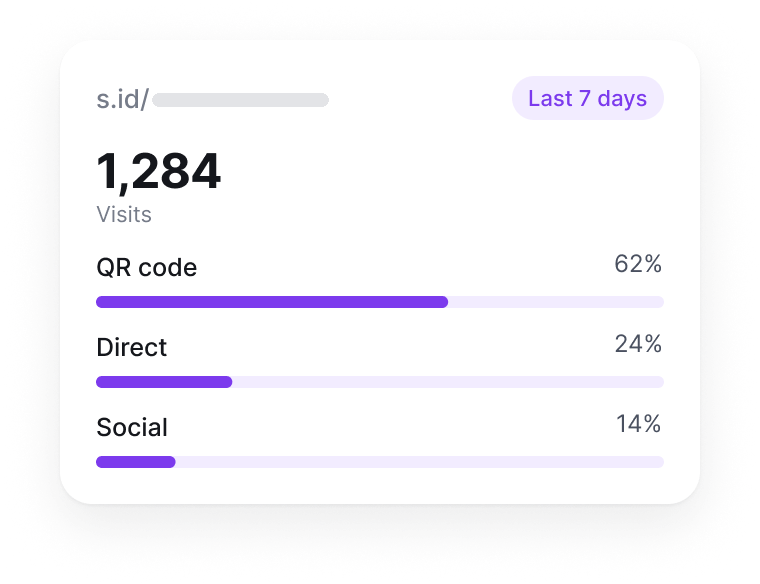
See visit data available from the dashboard to understand how your QR Code is used. Detail and date ranges follow your plan.
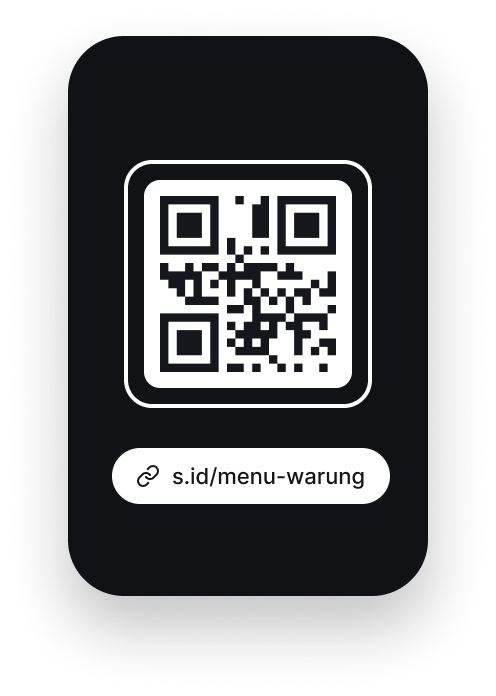
A phone camera reads the QR Code to open the link, with no extra app from s.id.

Make a QR Code that matches your brand. Colour, logo, and branding removal are available depending on your plan.
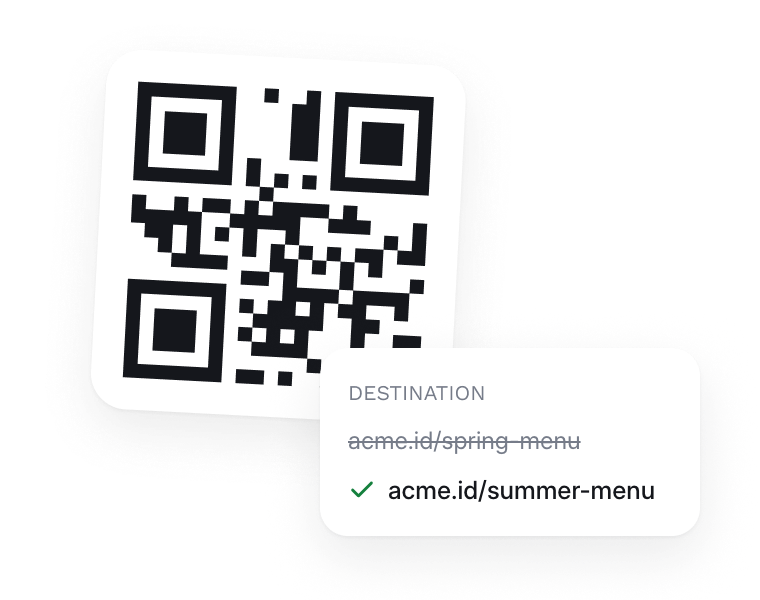
The QR Code uses an intermediate link, so its destination can be changed on supported plans.
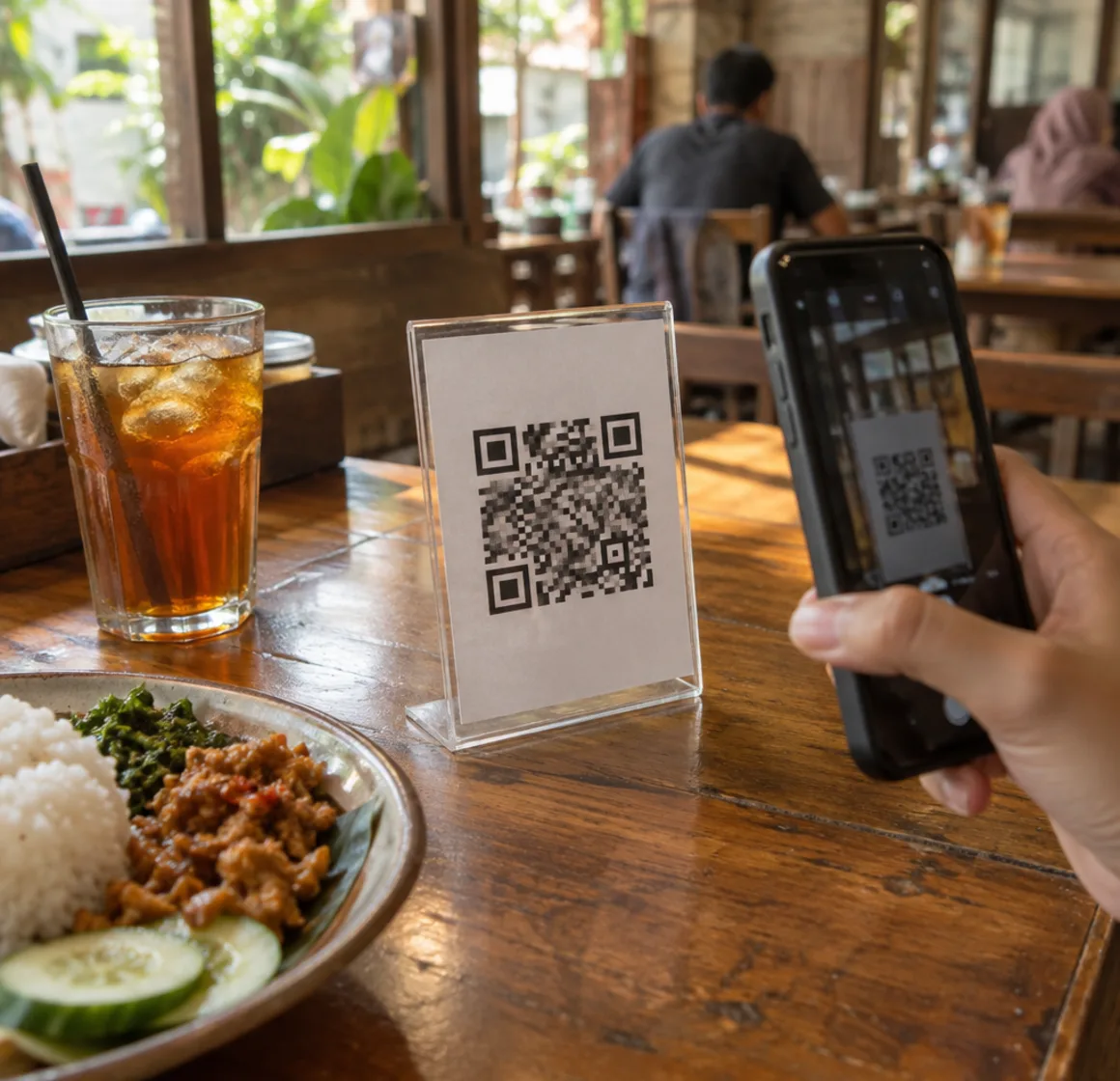
01 / 04 · Restaurants and warungs
Point customers to the menu, a form, or WhatsApp from one code on the table.
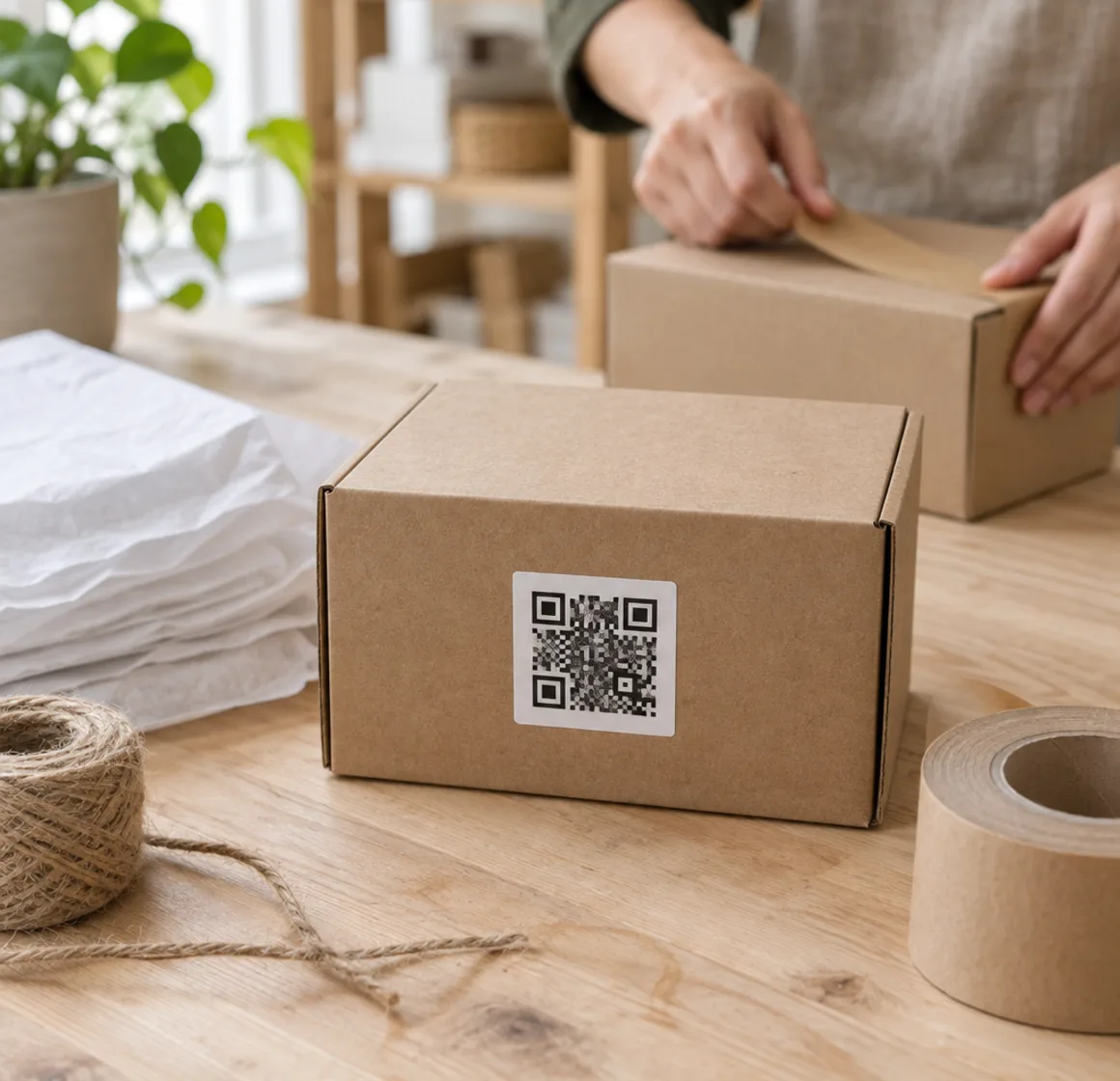
02 / 04 · Product packaging
Link a catalogue, guide, or online shop from packaging and labels.
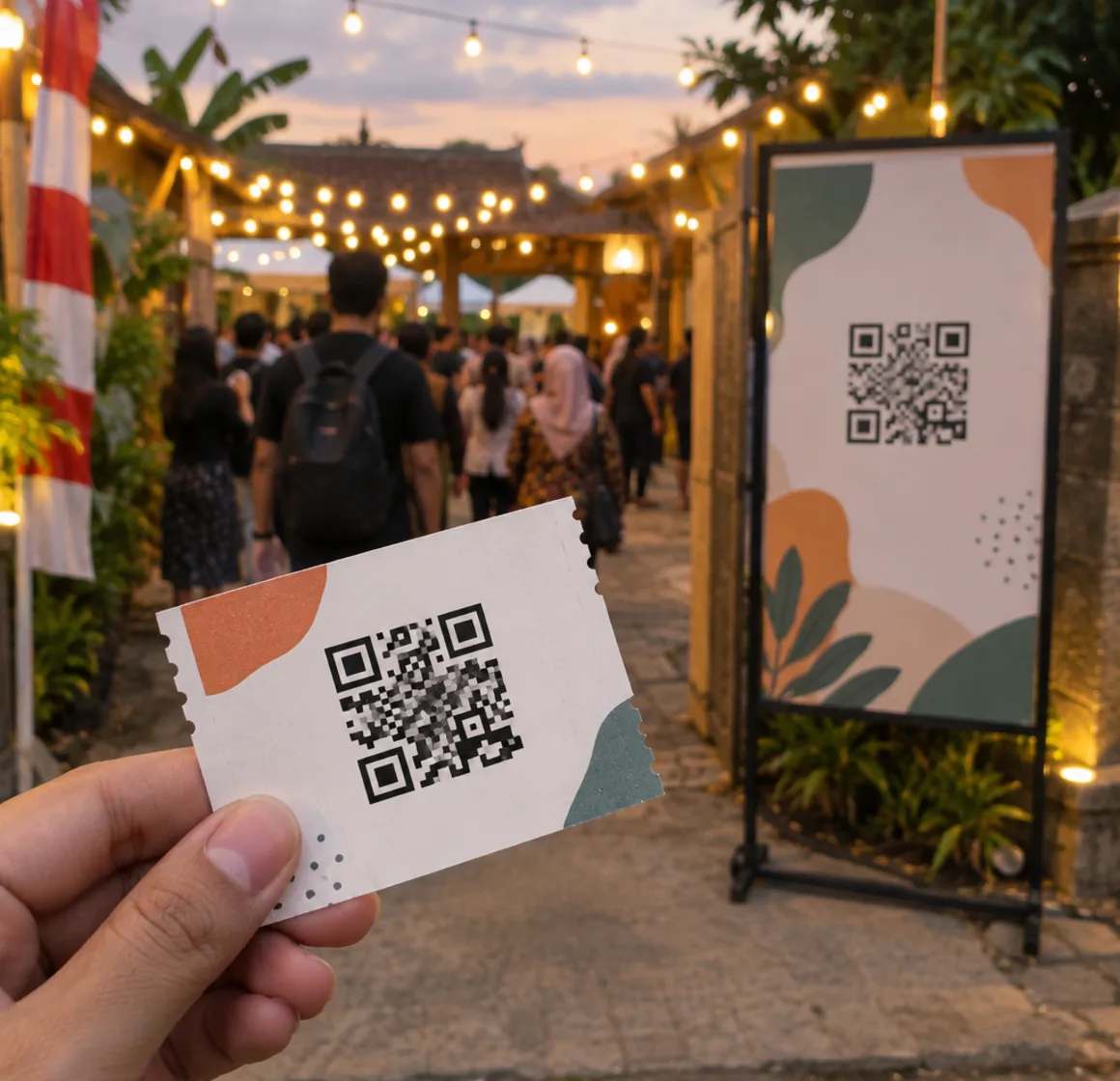
03 / 04 · Posters, tickets, and events
Put it on posters, tickets, or promotional material so the link is easier to reach.
04 / 04 · Name cards
Put it on your name card so people go straight to your profile or microsite.

A code that can be scanned is only half the job. Give context and an alternative way in.
Use a clear call to action, and name the benefit before asking people to scan.
Make sure the code contrasts with its background.
So scanning is not the only way to open the page.
s.id/
Leave empty space on all four sides of the code.
The code size follows how far people stand when scanning.
Scan the printed result with several phones, not just the original file.
Make and download a QR Code right from this page in four simple steps.
Enter a valid URL to open when the QR Code is scanned.
Complete the security check, then s.id creates the link and QR Code.
Save the QR Code image as a PNG for digital or print use.
Scan the result with a phone and make sure the destination page opens correctly.
Still unsure? Ask our team at helpdesk@s.id.
Try it without signing up. Download the PNG. Advanced features depend on your plan.
Scan to open s.id on your phone.