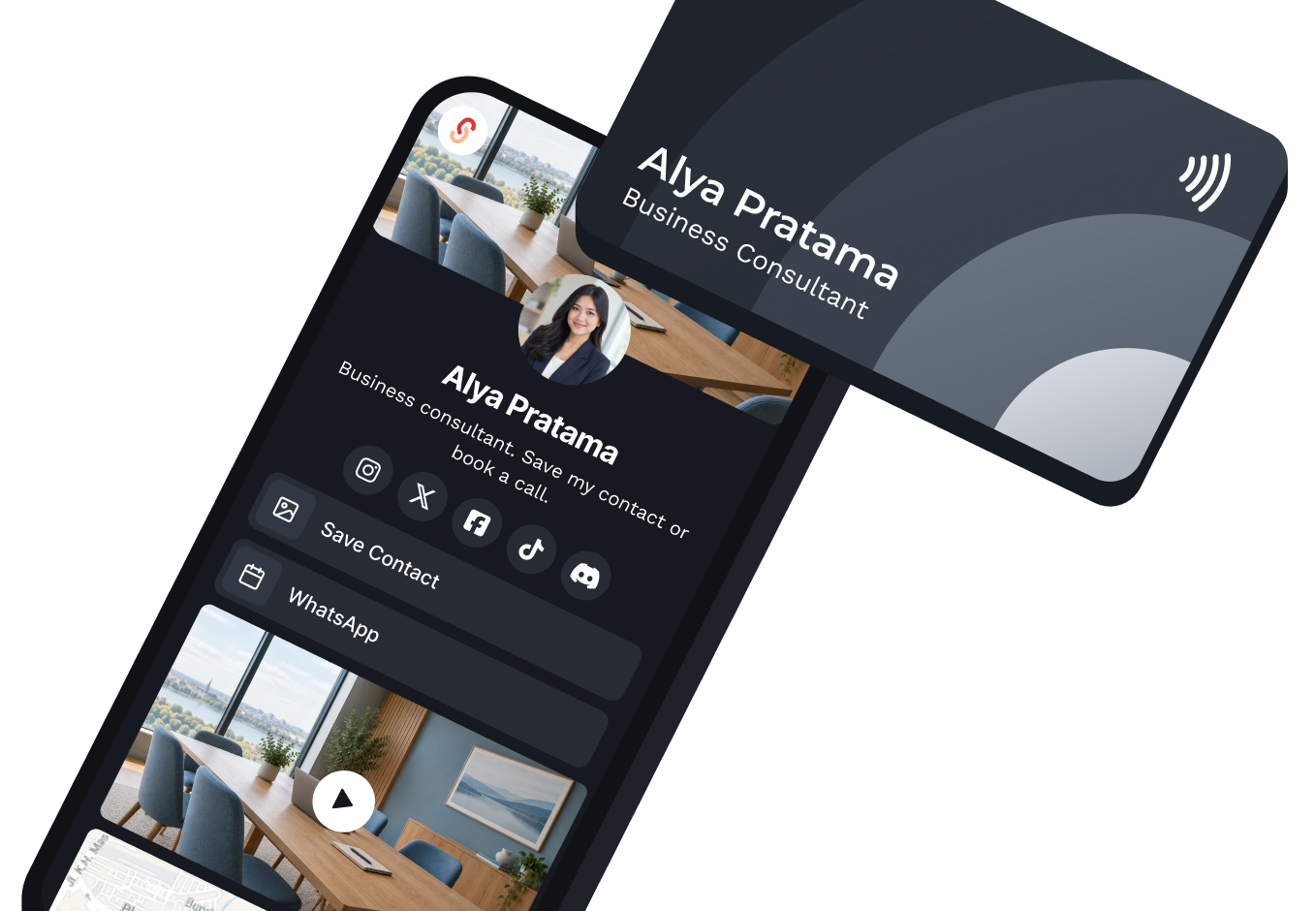
Tap an NFC card
Save your eCard link on an NFC card. Tap a phone and your page opens right away. NFC cards are supplied by third parties.

Digital business card
Create a professional profile with your contacts, links, and social media. Share it by QR Code or link so people can save your contact without retyping it.

A digital business card is an online profile with your name, contacts, social media, and professional links. On s.id, an eCard is built as a Microsite and shared by link or QR Code.
Share your eCard link or QR Code. After opening your profile, recipients tap 'Simpan Kontak'. Their phone downloads or opens a VCF file, then they confirm saving it in Contacts.
Start Sharing Your eCard Without Extra Hardware
Use a link or QR Code that opens from your phone camera. Add physical media only if your work needs it.
Tap, scan, or open the link. They all lead to the same page, so one update applies to all of them.
Save your eCard link on an NFC card. Tap a phone and your page opens right away. NFC cards are supplied by third parties.
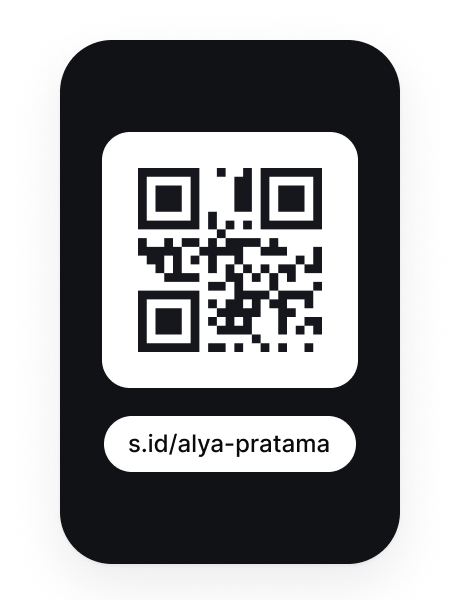
Show it on a phone or print it. A phone camera can open it right away.
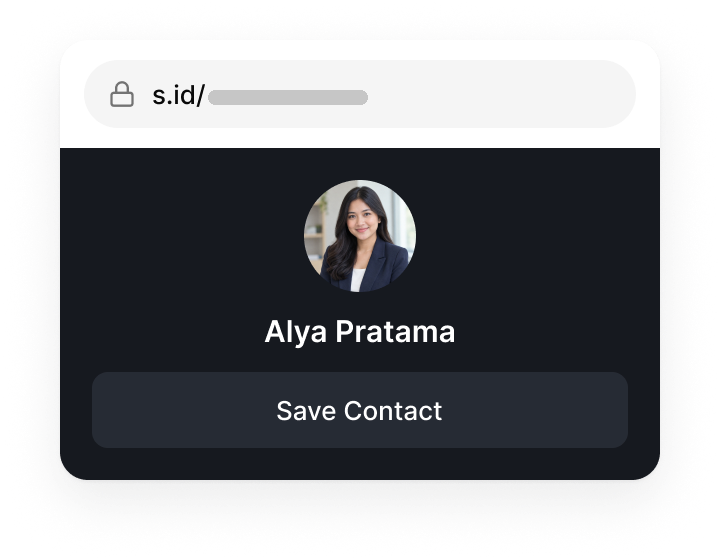
Send s.id/[yourname] by WhatsApp, email, or social media, or type it into a browser.
Set up a professional profile that is easy to update, without designing a page from scratch.
Alya Pratama
Business Consultant
Share your eCard by QR Code or link. Recipients open your profile, tap Simpan Kontak, then confirm saving on their phone.
Opening your eCard
Changes to your phone number, links, or design appear at the same link and QR Code.
1.284
Visits
See visits, QR scans, and contact-button clicks in the dashboard. The depth of data depends on your plan.
Adjust colors, logo, layout, and key links so your eCard matches your professional or business identity.
s.id/
Consultant
s.id/
Business
s.id/
Speaker
Create separate eCards for work, business, or projects and manage them all from one dashboard. The number of eCards follows your plan's Microsite quota.
01 / 04 · Sales
Share by QR Code or link, track visits, and update your details without reprinting.

Dimas Santoso
Sales Executive
02 / 04 · Freelancer
Bring your portfolio, contacts, and social media together so clients can open them easily.
Nadia Azzahra
Freelance Designer
03 / 04 · UMKM
Give customers one link to your products, WhatsApp, and online shop.
Kopi Tepi
Local roastery
04 / 04 · Property agent
Share your contact during site visits and show your latest listings in one tap.
Reza Hakim
Property Agent
Set up a professional profile that is easy to update, without designing a page from scratch.
Sign up for s.id, create a Microsite, then choose a template or start from a blank page.
Fill in your profile, key links, and the Contact component so your details can be downloaded as a VCF file.
Send the link or show the QR Code. Recipients can open your profile and choose Simpan Kontak.
Still unsure? Ask our team at helpdesk@s.id.
Free plan with no time limit · Quotas and features depend on your plan